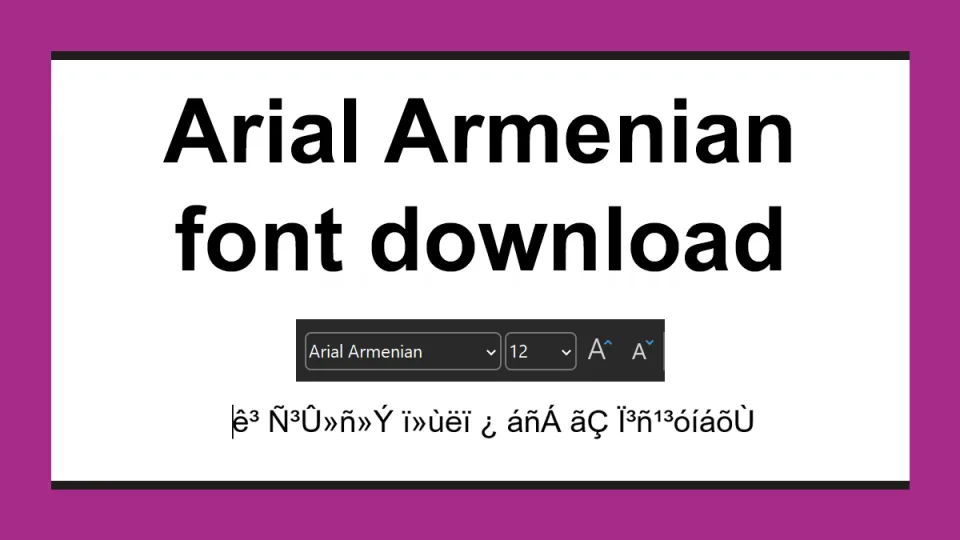
If you are looking to download the Arial Armenian font, you probably have an Armenian document that shows a run of random symbols instead of readable text, something like гۻñ»Ý ï»ùëï, and somewhere in Word you saw that the font is called Arial Armenian, or Arial AM, or Arial LatArm. So you went looking for it.

Or you wrote in that font for years with KDWin, and you are downloading it out of habit.
It is a font from the 1990s that draws Armenian letters in slots meant for other characters. Anything you write in it breaks the moment it leaves your computer. There are proper Armenian fonts now, and they are free.
Convert your text or document to modern Armenian instead. It takes seconds, and the result opens on any computer, any phone and any website.
If you have an old document, you do not need the font at all. The text inside it can be repaired, and it takes about a minute. If you want the font anyway, it is at the bottom of this page.
Fix Arial Armenian document with our free converter
Our ArmSCII to Unicode converter rewrites the letters and leaves everything else alone. It runs in your browser, the file is never uploaded anywhere, and we cannot see it, so it is completely private.
- Open the converter.
- Drop your .docx or .xlsx onto the page, or paste the text into the field.
- The old fonts in the file are listed with a replacement for each. Keep Arian AMU, or pick GHEA Grapalat or Arial.
- Press convert, then download the file.
Formatting, images and tables come through untouched, because only the letters change. What comes back is real Armenian text: you can search it, spellcheck it, paste it into an email, and read it on a phone.
If your file is a .doc or .xls from that era, open it in Word or Excel first, save it as .docx or .xlsx, then convert it.
What Arial Armenian is
It is not an Armenian version of Arial made by the company that owns Arial. It is a family of separate fonts from the 1990s that took a Latin font and replaced its letters with Armenian ones.
That is the whole story. In a normal font, the letter Ա lives at the position reserved for Ա. In Arial Armenian, Ա was drawn on top of a slot the computer believes holds something else.
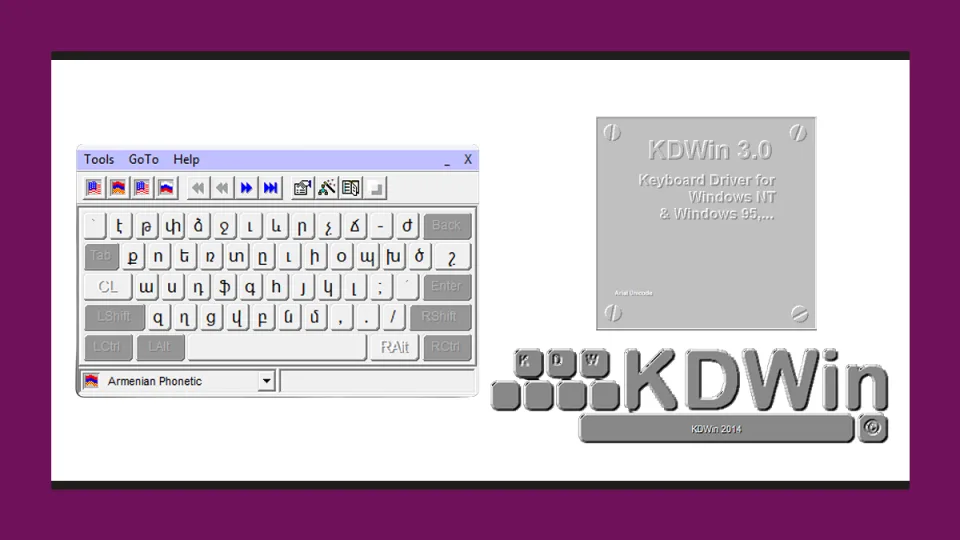
The same trick appears under many names: Arial Arm, Arial AM, Arial LatArm, Times Armenian, Sylfaen Arm and dozens more. This is also the layout KDWin typed in as Armenian Phonetic, which is why so many documents from that era carry it.
Why the text is broken
When you type Armenian in one of these fonts, the computer does not store Armenian. It stores byte values that only look Armenian while that exact font is applied. Change the font, open the file elsewhere, or paste the text anywhere at all, and the disguise falls off.
That means nobody else can read the document without installing the same font, search finds nothing inside it, spellcheck sees nonsense, copy and paste arrives as garbage, and a phone shows none of it. Websites cannot use the text either, because search engines index the underlying characters, which are not Armenian words.
To find out which kind of file you have, switch the Armenian text to a Unicode font such as Arial or Arian AMU:
| What you see after switching font | What it means |
|---|---|
Հայերեն տեքստ | Already Unicode. Nothing to fix. |
гۻñ»Ý ï»ùëï | The old encoding. The converter handles this. |
Ordinary Latin letters that spell nothing, something like Hwj;r;u tolun | A font that mapped Armenian onto Latin keys. Harder to fix. |
□□□□□□□ □□□□□ | The text is fine, your font has no Armenian letters. Pick another font. |
Modern alternatives for Arial Armenian
Any Unicode Armenian font will do, and this site is full of them. If you want the plain, neutral look that made Arial Armenian popular in offices, these are the closest:
- Arian AMU, the nearest thing to a direct replacement and already installed on most computers in Armenia.
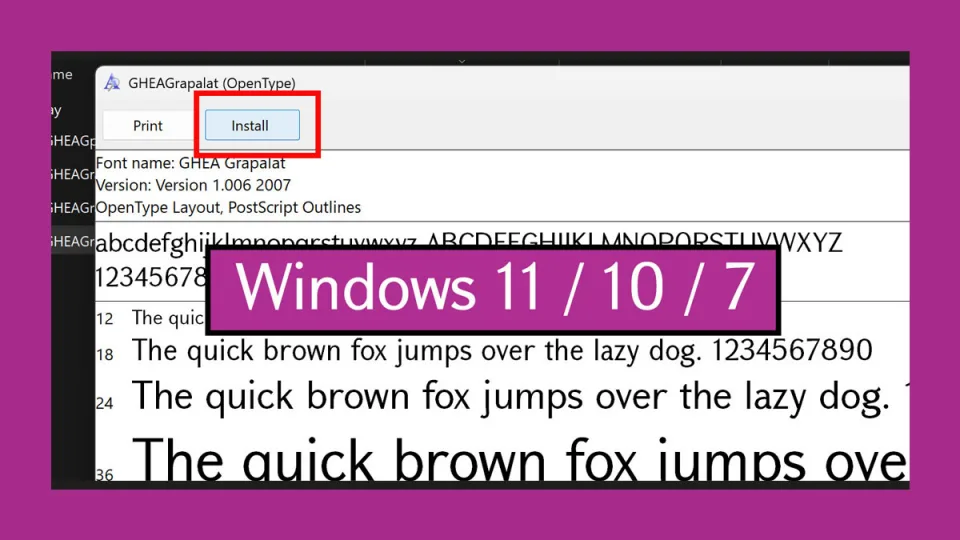
- GHEA Grapalat, an official font of the Armenian government, drawn for documents.
- Arial, the one on every Windows machine. Modern Arial covers Armenian, so the plain look people wanted from Arial Armenian is already installed on the computer receiving your file.
Install one from the Windows guide or the Mac guide, set your document to it, and everything above starts working again.
If you still need it
Reading a document is not a reason to install this font. Converting one takes seconds, and afterwards it opens anywhere.
If you still need it for some other reason, the download links are below.
Download
Neither file is a licensed version of Arial, and neither is ours. Arial belongs to Monotype; these fonts carry the name without being made or licensed by them, which is worth knowing before putting one into commercial work. They are here so people can read their own old documents, not as a recommendation.